
Same-Day & On-Site Appointments Available • Residential & Commercial
Hard drives, SSDs, external drives, RAID arrays, NAS boxes and servers — PC and Mac. We evaluate the device first and tell you honestly what looks recoverable before you commit to anything.
Every minute a failing drive stays powered on, the recoverable data shrinks. This is the single most important page on our site to read before doing anything else.
The failure type decides the method, the odds and the cost — which is why we evaluate before quoting.
Clicking, grinding, or a drive that spins up and stops. Heads, motor or platters. This is the type where continued power-on does the most additional damage, and where stopping immediately matters most.
Dead after a surge or power cut, no spin-up, no detection at all. The board rather than the media, and often the more recoverable category — the data itself may be untouched.
The drive is healthy but the partition, file table or volume is corrupt. Common after failed updates, interrupted transfers and improper shutdowns. Usually the best odds of a full recovery.
Files removed, a disk reformatted, a partition wiped in error. Recoverable in proportion to how little the drive has been used since — which is why we say stop using it.
A failed member, a rebuild that went wrong, a controller change, or two disks down in a set. Array recovery is a different discipline from single drives and needs every disk kept exactly as it is.
Sudden total disappearance rather than gradual decline, because SSDs fail differently. Controller faults, wear and firmware issues, and cases where encryption changes what is possible.
The most important thing we can offer on this page is honesty about odds.
No recovery can be guaranteed in advance. Anyone telling you otherwise before seeing the device is selling something. What we do is evaluate the device, identify the failure type and tell you what looks recoverable, what the method would be and what it would cost — before you commit to recovery work.
If the odds are poor, we say so. If a cheaper approach is likely to work, we start there. And if the data is not worth what the recovery would cost, we will tell you that too — it is your decision to make with real information, not a sales pitch.

Consumer, professional and business storage, on both platforms.
Guidance for planning, not a quote. Your actual figure comes after the evaluation, when the failure type is known.
Ranges reflect the method the failure demands, not the value of the data. A cheap-looking failure that turns out to be mechanical moves up; a frightening-looking one that turns out to be logical moves down. You approve the figure before recovery begins.
Nothing is attempted on the original device until it has been assessed and, where possible, imaged.
You power it down and tell us what happened. We tell you what not to do next.
Failure type identified, media condition assessed, odds and method established.
Method, realistic expectations and cost — before any recovery work starts.
Where the media allows, we work from a sector-level image rather than the failing original.
Files extracted, checked for integrity and listed so you can confirm what came back.
Data returned on new media, original device back to you, and backup set up so it does not happen twice.
This is the service where honesty matters more than marketing, and we have built the process around that.
Odds, cost, timing, confidentiality and what makes recovery harder.
Describe the problem and we will tell you what it takes to fix it — before any work starts.
No, and nobody honestly can before seeing the device. What we can do is evaluate it, tell you the failure type, give you a realistic view of the odds and quote the work — so you decide with real information rather than a promise.
It depends on the failure. Logical recoveries on healthy media are the cheapest; mechanical or electronic failure requiring component-level work costs considerably more; multi-disk arrays more again. The planning ranges above are indicative, and your figure is confirmed after the evaluation.
Logical recoveries are often days. Mechanical failures and arrays take longer, because imaging a damaged drive has to be done slowly and carefully — rushing it is how data is lost permanently. We give you a realistic window after the evaluation.
Because on a mechanical failure every additional power-on can cause more physical damage, and on a deleted-file case every write reduces what is still recoverable. The state you bring us the device in is the single biggest factor you control.
Not on a drive that is failing. Recovery software writes to the disk and works it hard — on a healthy drive with deleted files it sometimes helps, on a failing one it frequently turns a recoverable case into an unrecoverable one.
Yes. Keep every disk, keep them labeled in their original order, and do not let the controller attempt another rebuild — a failed rebuild is one of the most common reasons array data becomes unrecoverable.
Yes. Recovered data is handled confidentially, returned to you on new media, and we do not retain copies once you have confirmed you have everything.
You will have known the odds before agreeing to it. Where a recovery attempt fails despite a reasonable prospect, we tell you exactly what was tried and why it did not work, and return your device.
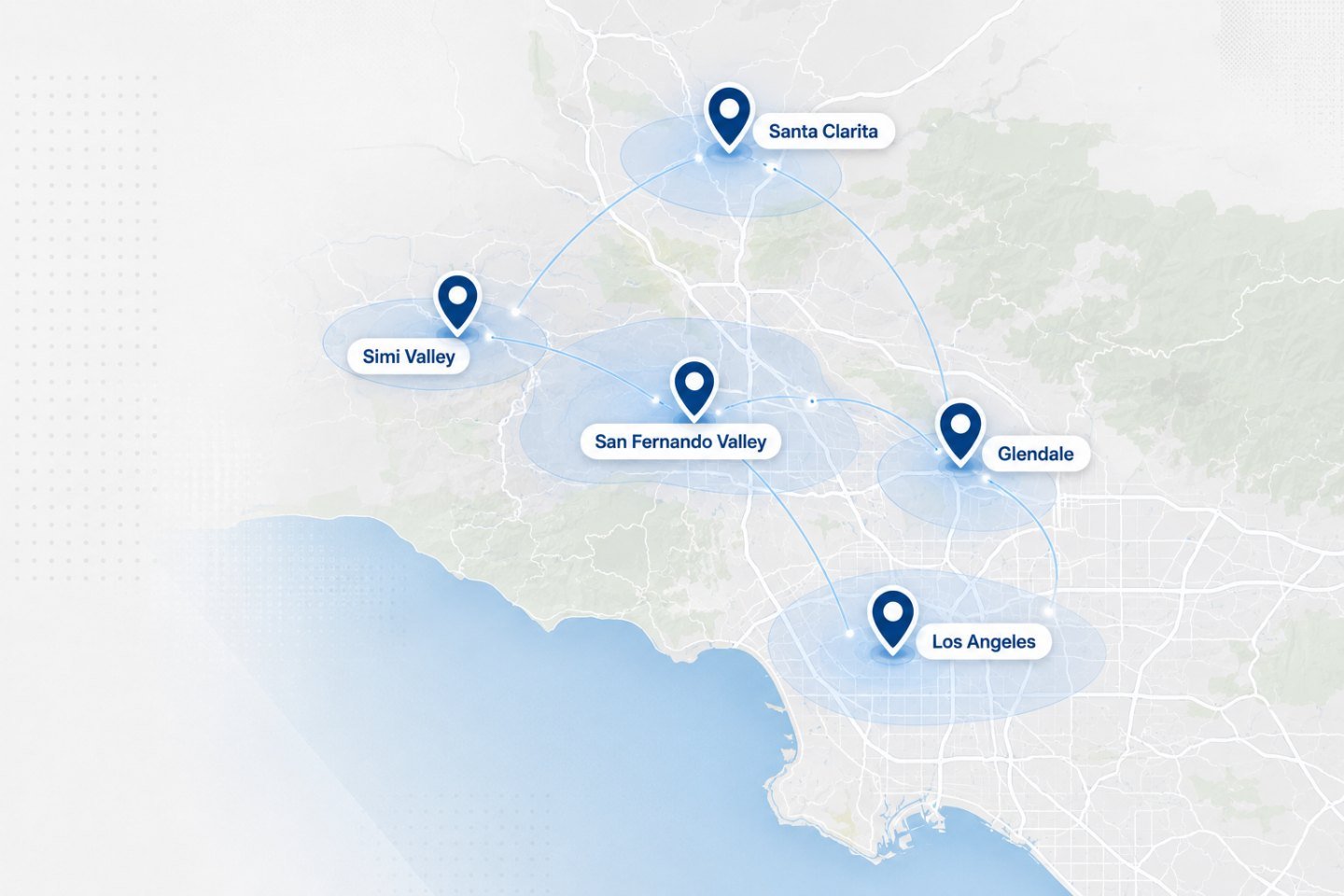
Devices collected from and returned to homes and offices across our service areas. Business-critical storage can be collected by arrangement.
Power the device down, then tell us what happened. We will tell you what not to do next and what the evaluation involves.