If your machine is doing one of these, it is diagnosable — and usually repairable for less than a replacement.
Will not power on or boot
Dead on the button, fans spinning with no display, or stuck in a restart loop. Power supply, memory, storage or a corrupt boot record — each looks identical from the outside and needs testing to tell apart.
Slow to the point of unusable
Minutes to boot, applications hanging, everything lagging behind your typing. Most often a dying mechanical drive, a full system disk or memory pressure — all fixable, rarely fatal.
Blue screens and random crashes
Sudden shutdowns, blue or black screens, restarts under load. Usually failing memory, overheating or a driver conflict, and we test rather than guess which.
Drive errors and missing files
Clicking noises, disk errors on startup, folders that are suddenly empty. Stop using the machine and call — every hour of use makes recovery harder.
No network or internet
Connected but no traffic, adapters that vanish, Wi-Fi that works on every other device. Adapter, driver, router or ISP — we isolate which before anything is replaced.
Overheating and loud fans
Hot to the touch, fans at full speed on an idle desktop, throttling under any real work. Dust, failed thermal paste or a dying fan, and cheap to put right before it kills the board.
Scope
What We Repair
Hardware and software, on every mainstream desktop and laptop platform.
When a Computer Needs a Technician Rather Than a Restart
A restart clears a lot. These are the signs it will not.
Intermittent faults are the ones worth acting on early. A drive that occasionally fails to appear, a machine that crashes once a week, a battery that suddenly reports half its old capacity — each is a component telling you it is on the way out, and each is cheaper to handle before it fails completely.
If the machine holds your only copy of anything — photos, accounts, a business record — treat any storage symptom as urgent and stop using the device until it has been looked at.
It depends on the fault and whether parts are needed. We diagnose first, explain the options in plain language and quote before any work starts — you decide with the number in front of you.
How long does a repair take?
Most software, malware, setup and configuration work is finished in the first visit. Hardware repairs depend on parts: common drives, memory and power supplies are carried, anything ordered adds a day or two.
Will I lose my data?
We check what is on the drive before any reinstall or hardware change and copy it off where the drive is healthy enough to allow it. If the drive itself has failed, that becomes a data recovery job and we tell you what looks recoverable first.
Is it worth repairing or should I replace it?
We will tell you honestly. A five-year-old laptop needing a board is usually not worth it; the same laptop needing an SSD almost always is. You get the comparison, not a sales pitch.
Do you repair both PC and Mac?
Yes — Windows desktops and laptops, all-in-ones and Apple hardware. See Mac Repair for macOS-specific work.
Do I have to bring the computer to you?
No. We are a mobile service and repair at your home or office. Only work that genuinely needs bench equipment, such as some data recovery, leaves the address — and never without your agreement.
Service Areas
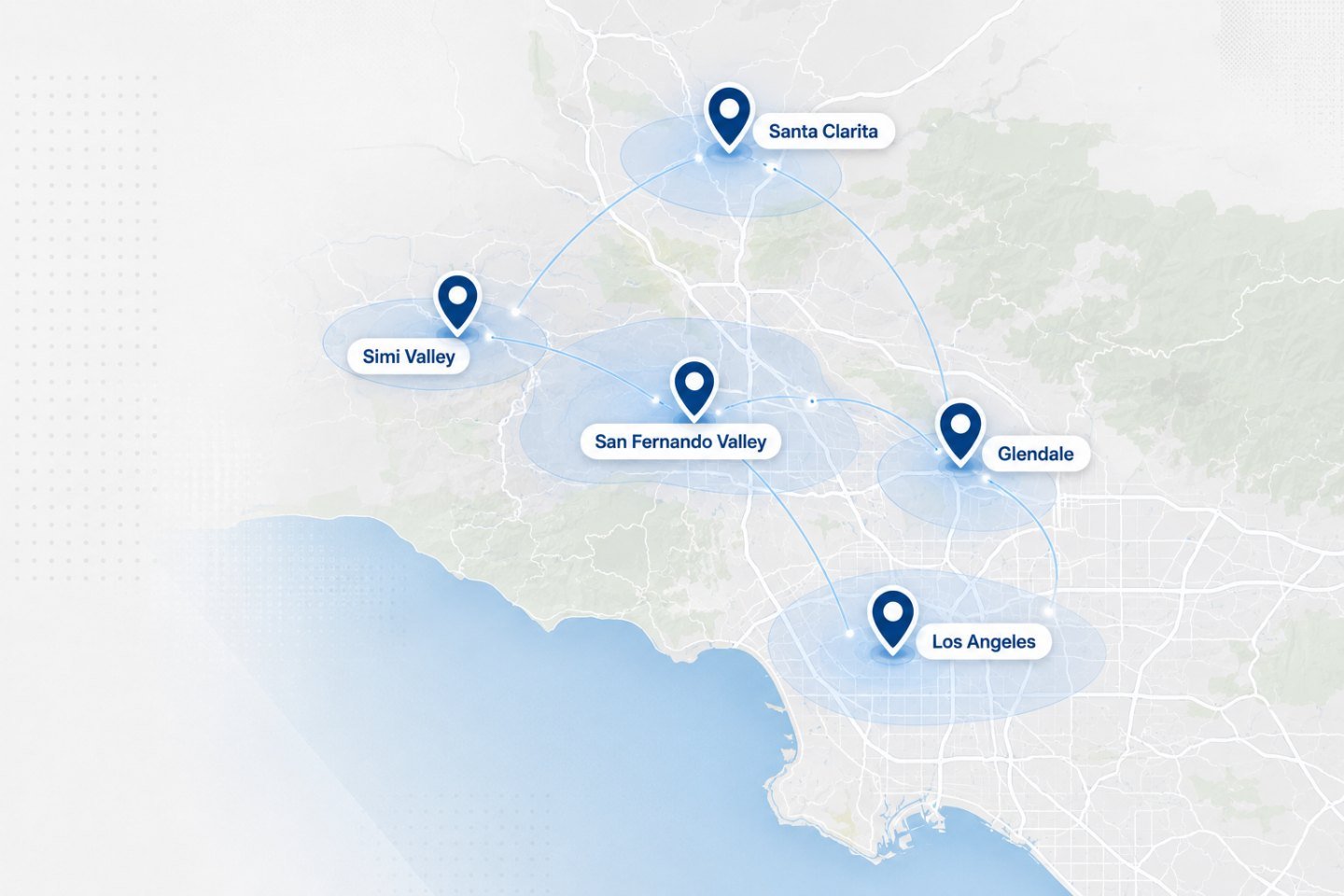
On-Site Service Across Los Angeles, Glendale & the San Fernando Valley
We travel to homes and offices across the Los Angeles area. If your address is nearby but not listed, ask when you get in touch.