
Same-Day & On-Site Appointments Available • Residential & Commercial
Dust and clutter both slow a computer down, and both are cheap to put right. Physical cleaning, thermal service and a proper clear-out of what has accumulated on the disk.
This is the least glamorous service we offer and one of the most cost-effective.
Dust insulates heat sinks and blocks vents. The processor throttles itself to survive, the fans run flat out, and every component in the case ages faster. This is the single most preventable cause of hardware failure we see.
A computer that overheats reduces its own speed within minutes of starting real work. People replace machines for this, when a clean and fresh thermal paste would have restored the performance they already paid for.
A system drive with almost no free space cannot work properly — updates fail, applications stall, and on an SSD it wears faster. Reclaiming space properly is not the same as emptying the recycle bin.
A fan running at maximum for years fails. Once it does, the machine either shuts down under load or quietly cooks itself. Fan noise is a warning worth acting on.
Two distinct jobs, usually done in the same visit.
Compressed air alone is not a clean. Heat sinks have to be cleared properly and thermal paste degrades with age — that is the part that actually brings temperatures down.
Environment matters more than age.
A desktop on carpet in a home with pets needs cleaning far more often than one on a desk in an office — every twelve to eighteen months is reasonable for the former, two to three years for the latter. Laptops accumulate less but suffer more from it, because there is nowhere for the heat to go.
The honest trigger is noise and heat: if the fans are audible when the machine is doing nothing much, or the underside of a laptop is uncomfortable to touch, it is due.

Risk, frequency, laptops and what it will not fix.
Describe the problem and we will tell you what it takes to fix it — before any work starts.
Not when it is done properly and with the right tools. It is considerably riskier to leave a machine running at high temperatures for years, which is what quietly kills boards and drives.
If it was overheating and throttling, yes — noticeably, because you get back performance the machine already had. If it was never running hot, the gain comes from the disk-space and software side instead. We measure temperatures before and after so you can see which applied.
Yes, and laptops benefit most because they have the least room for airflow. Some very thin models are more involved to open, and we will tell you before booking if yours is one of them.
A cleanup is physical plus disk space. A tune-up is software and configuration — startup programs, updates, background services. They overlap slightly and are often worth doing together.
We always recommend it before any work, and we check drive health as part of the visit. Cleaning does not touch your data, but a machine that has been running hot for years is exactly the sort that has a tired drive in it.
Yes — scheduled cleaning of workstations is part of what we do for business clients, usually outside business hours. See Business IT Support.
What a cleanup often uncovers.
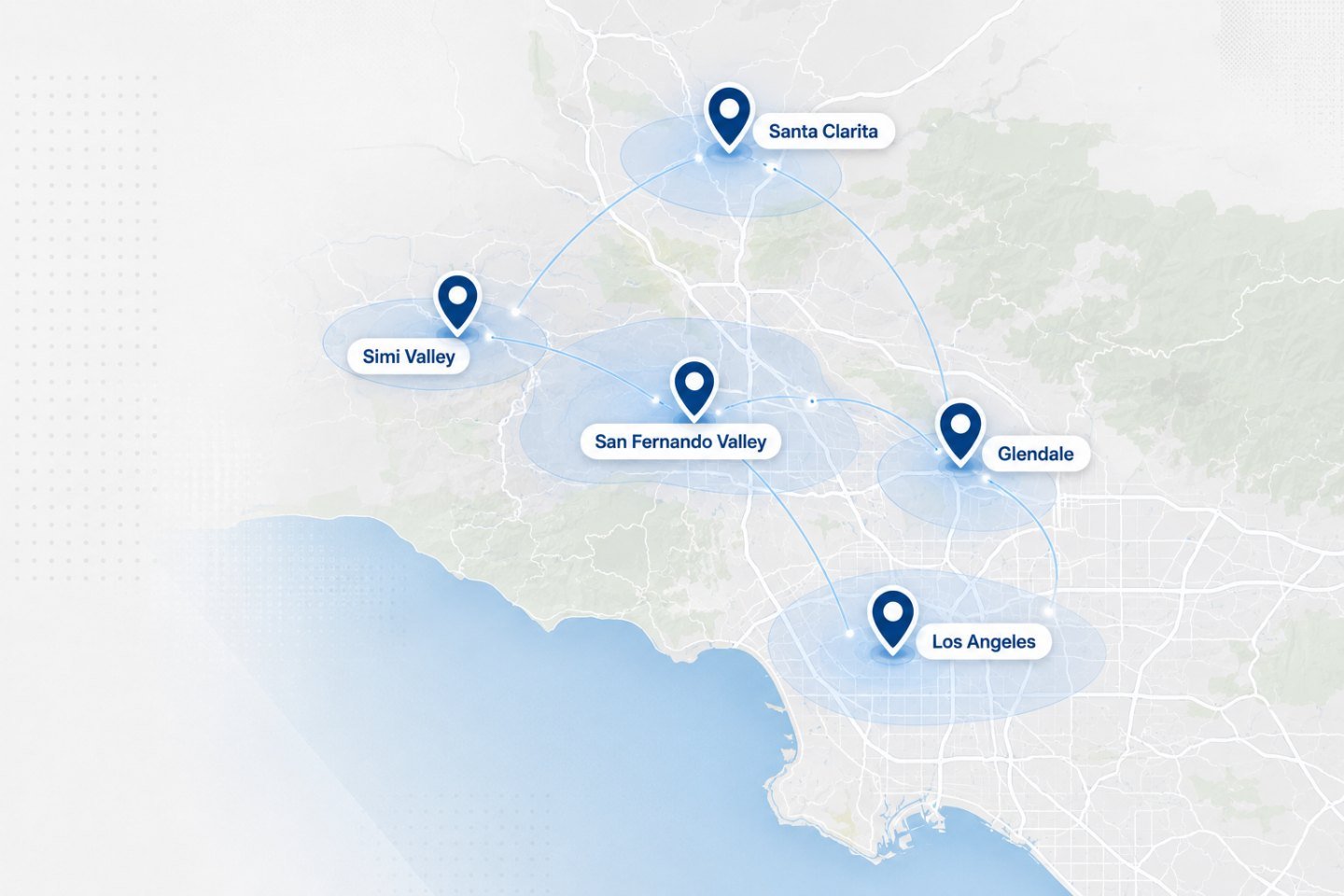
We travel to homes and offices across the Los Angeles area. If your address is nearby but not listed, ask when you get in touch.
If the fans are loud and the machine runs hot, this is the cheapest thing you can do for it.