A technician comes to your home, finds the actual cause, explains it without jargon and fixes it — computers, Wi-Fi, printers, files and everything connected to them.
Most calls we take start with one of these. All of them are diagnosable on the first visit.
It will not turn on
No power, no display, or it starts and shuts straight back down. Usually a power supply, battery or drive fault — and worth diagnosing before replacing the machine.
It has become unbearably slow
Long boots, spinning cursors, browser tabs that stall. Often a failing drive or a machine still running on a mechanical hard disk rather than an SSD.
Pop-ups, warnings or a locked screen
Malware, scareware and browser hijacks. We clean the system, check the accounts that may have been exposed and set up basic protection.
Files have disappeared
Deleted, moved during an update, or on a drive that stopped mounting. Stop using the device and call — continued use is what makes recovery harder.
Wi-Fi drops or will not reach
Dead spots, devices dropping off, a router the provider left in a cupboard. Usually placement, channel or hardware age rather than the internet service itself.
Printers, email and accounts
The printer that vanished after an update, email that stopped syncing, passwords nobody can recover. Small problems that block everything else.
Residential Services
What We Do in a Home Visit
Anything from a fifteen-minute fix to a full machine rebuild and data transfer.
It depends on the problem and whether parts are needed. We diagnose first, explain the options in plain language and quote before any work starts — so you decide with the number in front of you.
Do I need to unplug everything and bring it in?
No. That is the point of the service: we come to your home with the tools and parts for common repairs. Only work that genuinely needs bench equipment, such as some data recovery, leaves the house.
Can you fix it the same day?
Often, yes. Same-day and on-site appointments are available, and most software, malware, Wi-Fi and setup work is finished in the first visit. Hardware that needs an ordered part is the usual exception.
Will I lose my files?
Not if we can help it. We check what is on the drive before any reinstall or replacement and copy it off first. If the drive itself has failed, we tell you honestly what looks recoverable before starting recovery work.
Do you work on Macs as well as PCs?
Yes — laptops, desktops, all-in-ones, Windows and macOS. See our Mac Repair page if the problem is Apple-specific.
Do you charge extra to travel to me?
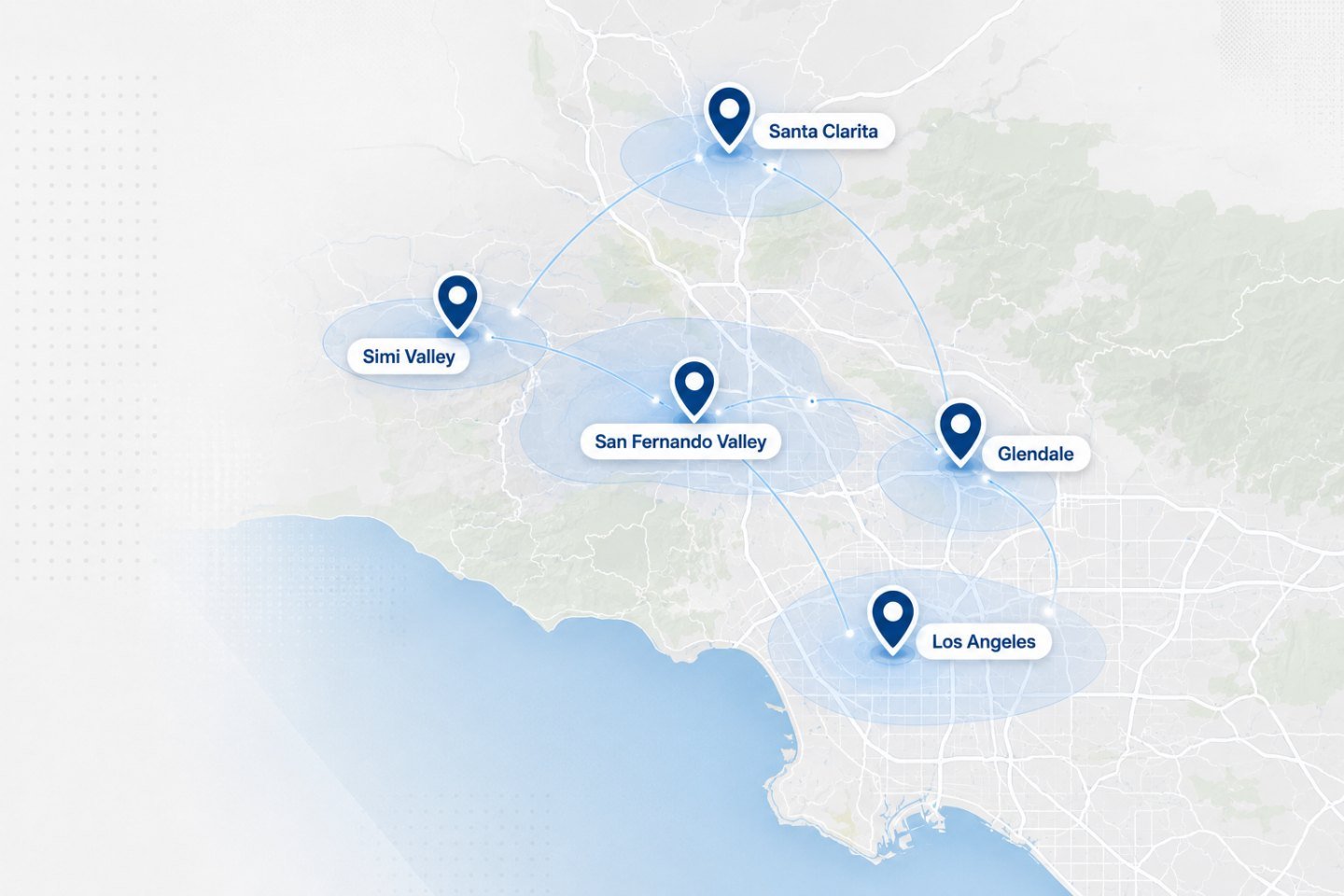
Travel inside our regular service areas is part of the visit, not an add-on line item. Addresses well outside those areas are quoted before we book, so there is never a surprise.
Get Started
Book a Technician for Your Home
Tell us the device and the symptom. We will confirm an on-site window and what to expect.