Same-Day & On-Site Appointments Available • Residential & Commercial
You bought the machine. We make it yours — accounts, files, applications, printers, backup and the settings that stop a new computer feeling like someone else's.
The whole first day of owning a computer, done properly in one visit.
Preinstalled trial software is removed rather than left to nag you in three weeks. Nothing is uninstalled without asking.
One visit for most setups. Large photo and video libraries are the usual reason for a second.
Machine, what it is replacing and roughly how much data is on the old one.
Assembled, updated, accounts configured, trial software cleared.
Files, mail, applications, printers and preferences moved across and checked with you.
Backup running, devices connected, old machine dealt with, and a walkthrough.
This is the part people underestimate, and the part that goes wrong when it is rushed.
A transfer is not just documents. It is the mail account nobody remembers the password for, the photo library spread across three folders, the accounting software with a license key on a lost email, and the browser holding every saved password. We work through all of it with you rather than copying one folder and calling it done.
Nothing on the old machine is erased until you have confirmed the new one has everything. When you are ready, we can wipe it securely so it can be sold, donated or recycled safely.

A new computer rarely arrives alone.
Timing, data, old machines and whether you need this at all.
Describe the problem and we will tell you what it takes to fix it — before any work starts.
Most are a single visit. The variable is data: a modest documents-and-mail transfer is quick, while a large photo or video library takes as long as the drives take to copy. We give you a realistic window when you describe the old machine.
Files, mail, contacts, calendars, bookmarks, saved passwords, printers and preferences, yes. Applications are reinstalled and relicensed rather than copied, which is why we record what is installed before starting.
We can usually still recover the data from its drive, even if the machine will not start. If the drive itself has failed, that becomes a data recovery job and we tell you what looks recoverable first.
Yes. Where you bought it makes no difference — we handle the unboxing, setup, transfer and configuration either way.
Yes. Trial antivirus, manufacturer utilities and bundled software that only exists to nag you get reviewed and removed, with your agreement, before you start using the machine.
Yes, once you have confirmed the new machine has everything. That leaves the old one safe to sell, donate or recycle without your accounts and files on it.
Common companions to a new machine.
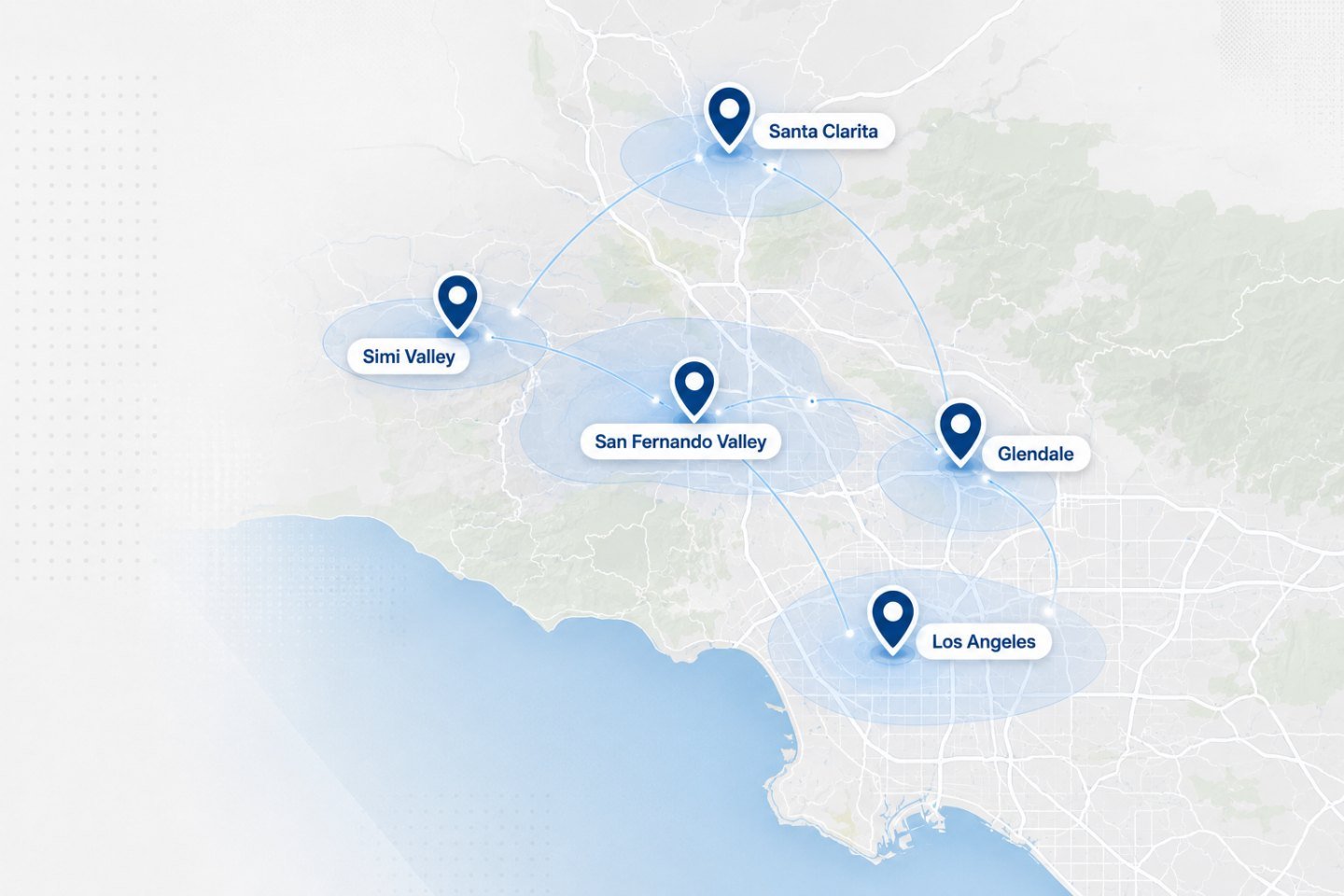
We travel to homes and offices across the Los Angeles area. If your address is nearby but not listed, ask when you get in touch.
Tell us what you bought and what it is replacing. We will confirm a window and what to have to hand.