
Same-Day & On-Site Appointments Available • Residential & Commercial
The boundary between your office network and everything else. Specified for the connection you have, configured to rules you understand, and documented so it is not a black box.
It has a firewall feature. That is not the same thing.
The router your internet provider supplied blocks unsolicited inbound traffic and little else. It does not inspect what leaves, does not segment guests from staff, does not filter known-malicious destinations, and does not tell you when something on your network starts behaving strangely.
For an office holding client data, that gap matters — both practically and, increasingly, for the insurance and compliance questionnaires you are asked to complete.

Hardware is a small part of it. Configuration is the job.
We do not install a firewall and keep the password. The credentials and documentation are yours — a security device only your provider can access is its own risk.
Not everything. Being specific about what it does and does not cover is more useful than implying it covers all of it.
Malware that gets onto a machine still has to reach its operator. Blocking that traffic frequently contains an incident before it becomes one.
Visitors, contractors and personal phones on a network that also holds your business systems. Segmentation is one of the highest-value changes available and costs nothing but configuration.
Doorbells, printers and cameras are rarely patched and frequently the weakest device on any network. Isolating them limits what a compromise reaches.
Remote desktop published straight to the internet is the single most common route into a small business. Proper VPN access replaces it.
A firewall does not stop someone entering credentials into a convincing fake page. That is a training and two-factor problem — see Business Cybersecurity.
Mail-borne threats are largely a mail-filtering and account-security matter. We will tell you where the firewall genuinely helps and where the money belongs elsewhere.
Cost, licensing, providers and whether you need one.
Describe the problem and we will tell you what it takes to fix it — before any work starts.
If the office holds client data, processes payments, or has to answer security questions from insurers or clients, then yes. A two-person office with everything in the cloud and no shared systems is a more nuanced case, and we will say so rather than selling one anyway.
The appliance is a one-off; the threat filtering and support subscriptions renew annually. We tell you both figures up front, because a firewall with a lapsed subscription quietly stops doing most of what you bought it for.
Usually yes — it stays as the connection endpoint with the firewall behind it, or is put into a pass-through mode. We work out which at survey rather than replacing equipment unnecessarily.
Not if it is sized correctly for your connection. Undersizing is the usual cause of a firewall throttling a line, which is exactly why specification comes before purchase.
You do. We document the configuration and hand over the credentials at completion. A security device only your IT provider can access is a risk in itself.
Annually, and after any significant change — a new application, a new office, staff leaving. Managed clients get this as part of the arrangement.
Security is layered; a firewall is one layer.
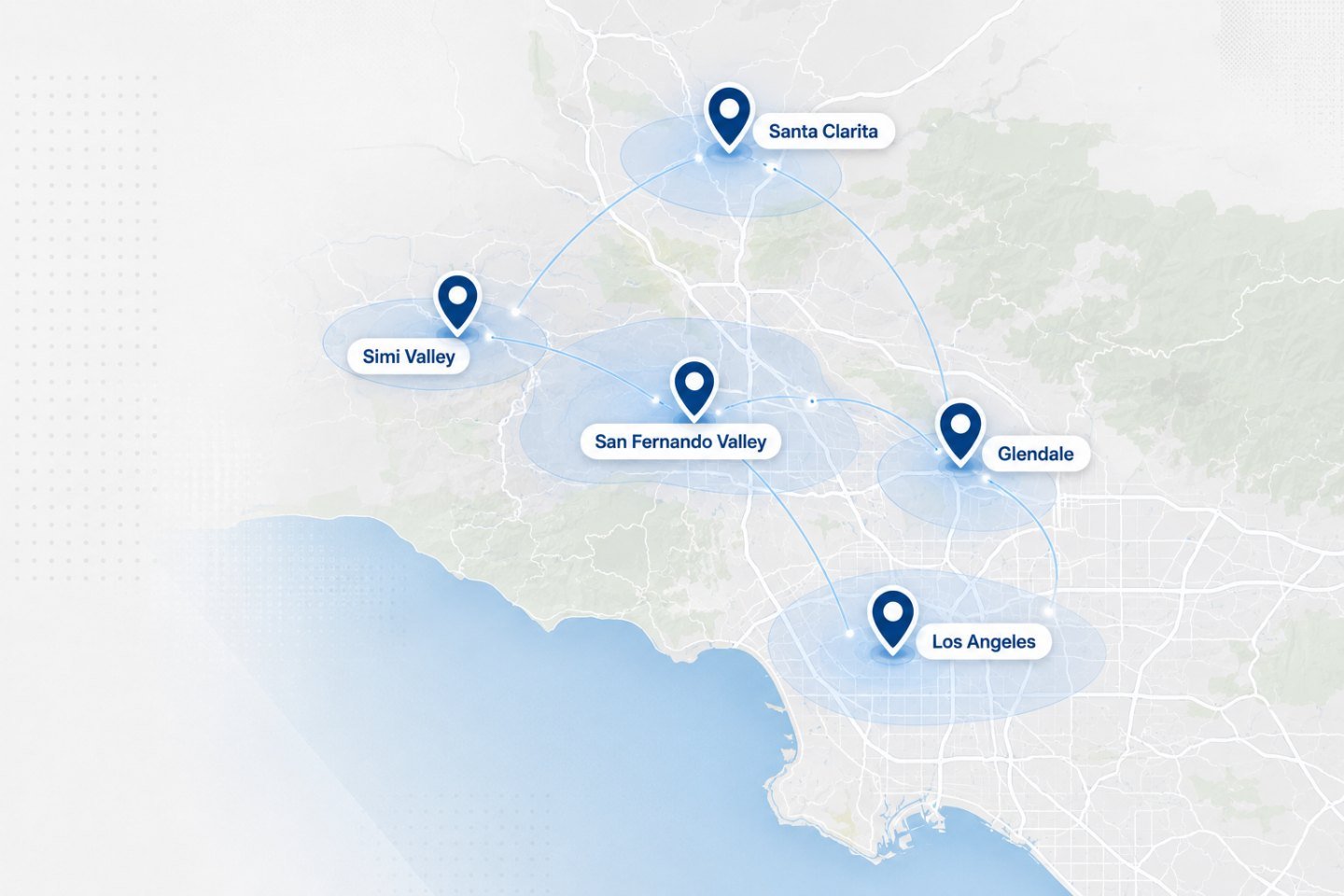
We travel to homes and offices across the Los Angeles area. If your address is nearby but not listed, ask when you get in touch.
We look at what is protecting the office now and tell you honestly what a firewall would and would not change.