
Same-Day & On-Site Appointments Available • Residential & Commercial
Confidentiality, court deadlines and a case management system nobody can afford to lose. IT support built around how a small legal practice actually works — on-site across the Los Angeles area.
The technology is ordinary. What is at stake when it fails is not.
Client files are privileged. A breach is not only a business problem but a professional conduct one, which raises the bar on access control, encryption and what happens to a lost laptop.
A filing deadline is not a target. Downtime on the wrong afternoon has consequences that no service credit covers, which is why response expectations matter more here than in most offices.
Clio, MyCase, PracticePanther or a server-based system — if it is unreachable, nobody bills, nobody files and nobody can answer a client. Backup and uptime planning start here.
Real estate and settlement funds make legal mailboxes a deliberate target. Business email compromise in this sector is well documented, and multi-factor authentication is the control that stops it.
Closed files still have to be retrievable years later. That is an archiving and backup design question, not something to discover when a file is requested.
Paralegals, contract attorneys and remote working all need controlled access that can be revoked cleanly when the engagement ends. Accounts left live after departure are a recurring finding.
Day-to-day support plus the specific controls the sector's risk profile calls for.
We are IT technicians, not a compliance body. We implement and document the technical controls your obligations rest on, and prepare evidence for insurers and client security questionnaires — we do not audit or certify the practice.
Access should be the minimum the job requires, and it should be visible.
Our technicians do not need to read case files to fix a computer, and our working practice reflects that: access is scoped to the task, changes are documented, and anything requiring wider access is agreed with you first rather than assumed.
Where you have obligations to clients about who can reach their data, we will sign what your practice requires and work to it. Several of our legal clients keep us out of the document management system entirely, and that is a perfectly workable arrangement.

Case management, compliance, confidentiality and cost.
Describe the problem and we will tell you what it takes to fix it — before any work starts.
We support the environment it runs in — machines, network, browsers, printing, Microsoft 365 integration and connectivity — and we work with the vendor's support for anything inside the application itself. That division is usually the fastest route to a fix.
Yes. Those questionnaires ask about multi-factor authentication, backups, patching, encryption and access control. We implement and document those controls and provide the evidence, though the answers remain the practice's to give.
Not as a matter of course. Access is scoped to the task and documented, and we will sign whatever confidentiality terms your practice requires. Some clients keep us entirely outside the document management system.
Managed clients have response expectations agreed in writing, which is the arrangement we recommend for any practice with filing deadlines. Ad-hoc callers are fitted around booked work as quickly as we can.
No, though most practices with deadline exposure end up wanting one for the guaranteed response rather than the monthly support itself. See Managed IT Services.
Yes — cabling, network, workstations and the case management connection, scheduled so the practice loses no working day. See Office IT Relocation.
The services legal offices call us for.
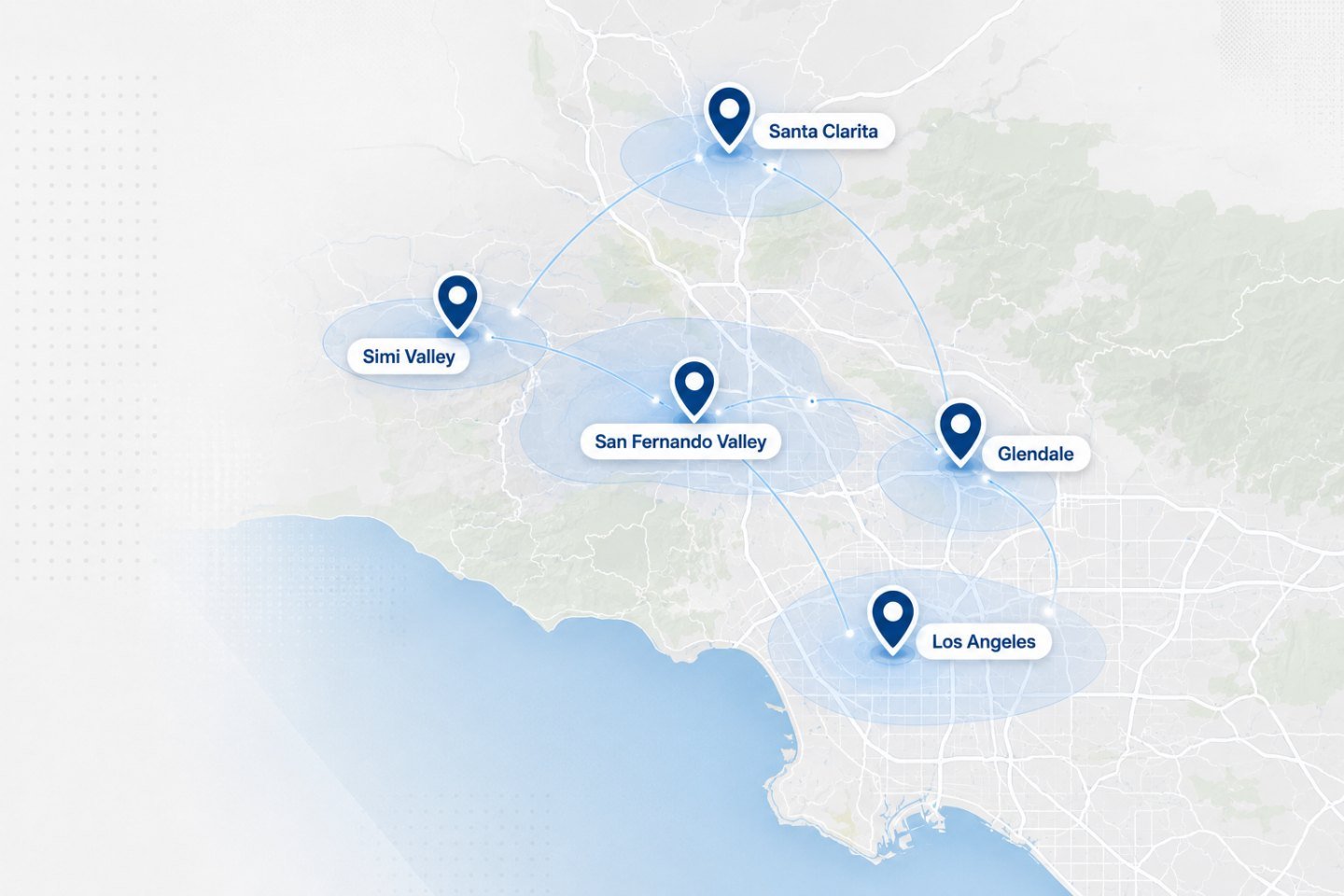
We travel to homes and offices across the Los Angeles area. If your address is nearby but not listed, ask when you get in touch.
A technician reviews your backups, access control and network, then tells you what needs fixing now and what can wait.