
Same-Day & On-Site Appointments Available • Residential & Commercial
Monitors, docks, printing, video calls, backup and a connection that does not drop mid-meeting. Set up properly once, so the technology stops being part of your working day.
The whole working position, not just the computer on it.
If you work for an employer with managed IT, we set up everything around their machine without touching their controls — and tell you where their support has to take over.
A working position is only as good as what it is plugged into.
The most common complaint we are called about is video calls dropping, and the most common cause is a desk placed at the edge of the Wi-Fi coverage. A monitor arm and a good chair do not help with that.
So a setup visit always tests the connection at the desk, under real conditions, not from the room where the router lives. Where a cable can reach, we run one — a wired desk is the single biggest improvement most home workers can make.

Four setups, four different answers.
Usually Wi-Fi at the desk rather than the internet service or the laptop. We test at the working position and, where possible, put the desk on a cable — which ends the problem entirely.
A dock that actually supports your machine's display output, at the resolution and refresh rate the screens can do. Getting this wrong is why so many docks disappoint.
Separate profiles, separate browsers, separate storage — or a clean split across two machines. Worth doing properly before an employer's software is installed on your own computer.
One printer reachable from the desktop, the laptop and the phones in the house, without reinstalling it every time the router restarts.
Equipment, employers, timing and what we recommend.
Describe the problem and we will tell you what it takes to fix it — before any work starts.
No, and it is often better not to. Tell us what you do and we will tell you what is worth buying — particularly with docks, where compatibility with your specific laptop decides whether it works at all.
We set up everything around it — monitors, dock, connection, printing, audio. The machine itself is usually managed by your employer's IT, and we will not bypass their controls. We will tell you clearly where that line falls.
Most are a single visit. Running a cable to the desk, or setting up two machines with a work-personal split, can extend it — we give you a realistic window when you describe the room.
For anyone on video calls all day, yes — it is the single biggest improvement available and it costs very little. Wi-Fi varies with the house, the neighbors and the time of day; a cable does not.
We set screen height, position and lighting sensibly as part of the visit. We are technicians rather than assessors, so for a formal workplace assessment you would want a specialist — but the common mistakes are easy to avoid.
Yes, and shared households are worth planning as one job: two desks competing for the same Wi-Fi and the same printer is a different problem from either desk alone.
Usually part of the same conversation.
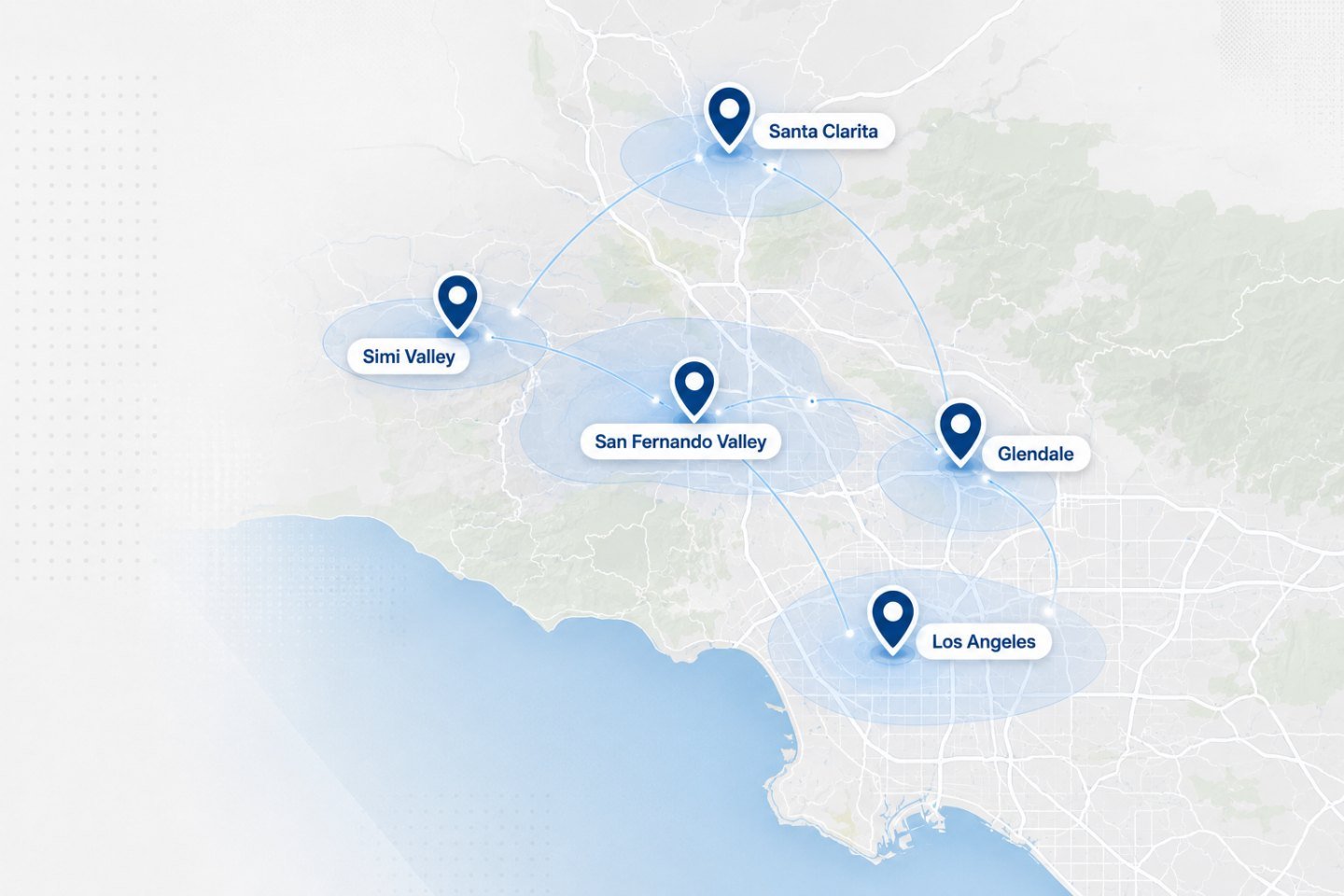
We travel to homes and offices across the Los Angeles area. If your address is nearby but not listed, ask when you get in touch.
Describe the room, the machine and what your working day looks like. We will tell you what is worth changing.