
Same-Day & On-Site Appointments Available • Residential & Commercial
Mail that stopped sending, a mailbox that will not sync, messages disappearing, or a client not receiving anything you send. Fixed at the mail account level, not just the app.
Email breaks in a handful of specific ways, and each points somewhere different.
Almost always the outgoing server settings, the port, or authentication — often after a provider changed their requirements. Distinctive because incoming still works, which tells us the account itself is fine.
A mailbox that has stopped syncing while the webmail shows new messages. A password change, an expired token or a client that lost its connection and never told you.
Mail vanishing from a folder, or an archive that emptied itself. Usually a rule, a sync conflict between two devices, or a mailbox that hit its storage limit — and usually recoverable.
Recipients not receiving what you send, or finding it in junk. For a business this is a domain reputation and authentication problem, not something a mail client setting can fix.
Treat this as urgent — it means the account is compromised. There is usually a hidden forwarding rule behind it, and removing the malware alone does not remove that.
Two different configurations against the same mailbox. Very informative: it proves the account and password are fine and narrows the fault to the desktop client.
Reinstalling the mail client fixes almost nothing.
Most email problems live at the mail account, not on the computer — server settings, authentication, storage limits, rules and forwarding. We check those first, from the webmail side, which immediately tells us whether the computer is even involved.
Where the account is healthy, the fault is in how the client is configured, and that is quick to correct once we know that is where to look. Where the account is not healthy, no amount of work on the computer would have helped.

Recovery, spam, migration and compromised accounts.
Describe the problem and we will tell you what it takes to fix it — before any work starts.
Often, yes. Most providers keep deleted items recoverable for a period beyond the visible trash, and mail lost to a sync conflict frequently still exists on another device or on the server. The sooner you stop using the mailbox, the better the odds.
For a personal address it is usually content or sending behavior. For a business domain it is nearly always missing or misconfigured authentication records, which is a domain-level fix rather than anything on your computer.
Treat the account as compromised and call. There is usually a hidden forwarding rule and an active session behind it, both of which survive a malware clean-up on the computer. See Virus & Malware Removal for the full clean-up.
Yes — mailbox migration with folders, history and contacts preserved. For business domains this includes the DNS and authentication side so mail keeps flowing during the change.
That is actually helpful: it proves the account and password are fine, so the fault is in the laptop's configuration. Those are usually quick fixes and often resolvable in a remote session.
Nearly always. Email is one of the best candidates for a remote session — no visit needed and usually resolved the same day.
Commonly connected problems.
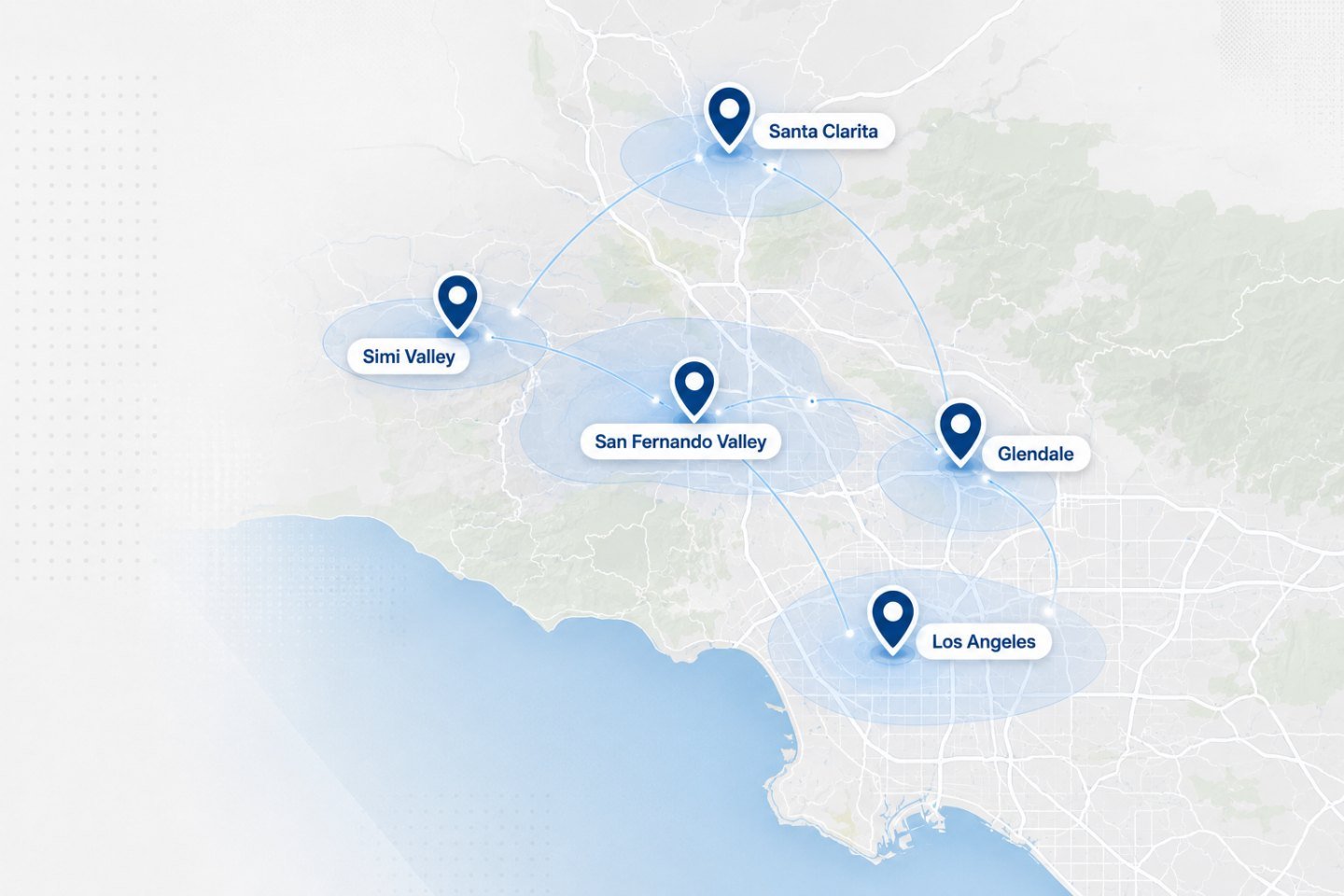
We travel to homes and offices across the Los Angeles area. If your address is nearby but not listed, ask when you get in touch.
Tell us what it does and what it does not. Most email faults are resolved remotely the same day.